Trusted Access Route
Use one confirmed 899OK route whenever possible. Unfamiliar web addresses, shortened links, imitation pages, and unexpected messages can lead users away from the intended sign-in form.
 Register
899OK Login helps registered users open their account area from a phone or browser, where they can view profile information, account messages, wallet activity, and available settings. This page explains how to approach sign-in carefully, recognise a trusted access route, manage verification requests, and take sensible steps when a password or code does not work as expected.
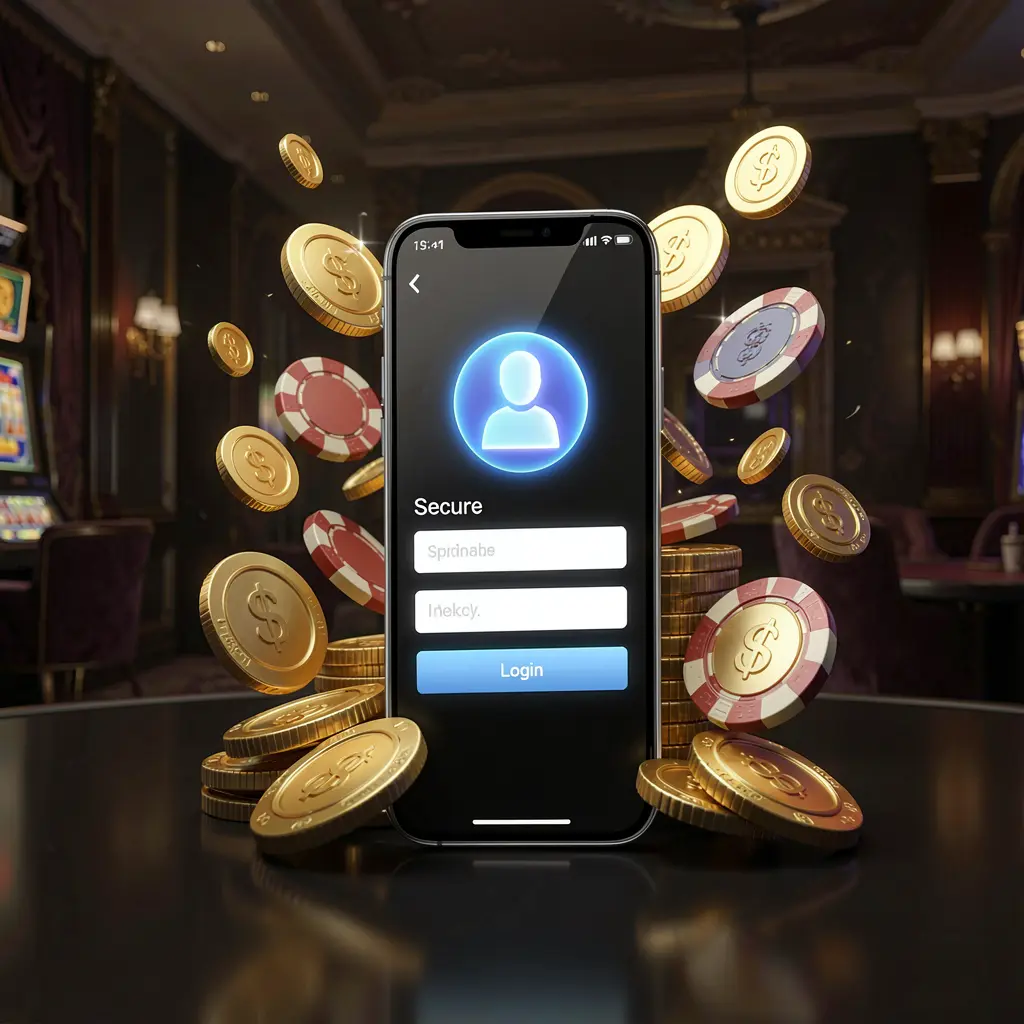
The 899OK login screen is more than an entry form. It is the point where users can reconnect with their dashboard, inspect account notices, manage profile details, and identify unexpected changes before continuing.
Mobile users in Bangladesh should be especially careful with shared links, copied pages, promotional messages, and unfamiliar redirects. Checking the intended 899OK address before entering personal information can help protect passwords, codes, and account records.
A regular access routine makes account management less confusing. Keep a verified route saved in the browser, update the device when possible, and make sure the registered contact method remains available. Avoid opening several login tabs or repeatedly submitting the same form during poor connectivity. This can prevent duplicate requests and make it easier to understand which code or password attempt is current. When changing a handset or browser, confirm the route again before signing in. A calm, consistent process also helps users review dashboard notices and explain an access issue clearly through the appropriate support channel.
Gaming-related services can involve financial and personal risks. Users should protect their information, consider local requirements, and use account tools responsibly rather than making rushed decisions after gaining access.
Follow a familiar sequence whenever you access 899OK: use a trusted route, inspect the page, provide the correct details, complete any on-screen verification, and check the dashboard once it opens.
Open the main 899OK site through a saved verified address or official platform route. Do not rely on links sent through unknown chats, comment threads, pop-ups, or forwarded posts.
Check the domain, page design, language, and browser security indicator before typing. Leave the page if it contains unexpected downloads, unusual spelling, repeated redirects, or requests unrelated to login.
Enter the phone number, email address, username, or password linked to the account. Review auto-filled fields carefully, and never disclose an OTP or reset code outside the official process.
Once signed in, look over the profile name, account notices, balance information, recent records, and available settings. Pause and secure the account if any item appears unfamiliar.
Use one confirmed 899OK route whenever possible. Unfamiliar web addresses, shortened links, imitation pages, and unexpected messages can lead users away from the intended sign-in form.
A locked, updated personal device offers better protection for login details. Public computers, borrowed phones, unknown applications, and unsecured connections may expose session or password data.
Keep access to the registered phone or inbox when signing in. Verification codes should be entered only on the proper page and should not be shared with agents or contacts.
Check whether the account stays signed in after closing the browser. Logging out after a shared-device session helps prevent other people from opening profile and wallet information.
Taking a brief look at the account area after login can reveal changes that need attention. Review visible information before making profile edits, using wallet features, or responding to any account message.
Confirm that the displayed username and registered contact details belong to you. Review any verification request or security notification directly inside the official account area.
Compare visible balances, recent transaction entries, and pending notes with your own records. Stop further activity if a record seems incorrect or cannot be recognised.
If an offer appears on the dashboard, read the relevant conditions before choosing it. Check requirements, expiry information, and restrictions instead of assuming the terms.
Review any available security, time, deposit, or break settings. Using controls before activity begins can support more deliberate account use.
A failed 899OK login may result from an incorrect password, expired code, interrupted network, old browser data, or an unavailable registered contact method. Start with simple checks and use the official recovery route rather than opening another account.
Passwords, one-time codes, transaction screenshots, and identity documents should stay private. Do not send them through unofficial messages or unverified contacts. 899OK and similar services are intended only for adults who understand the risks involved. Set personal limits, monitor spending, and step away if account activity begins to affect finances, wellbeing, work, studies, or relationships.
Helpful answers about 899OK Login, secure mobile access, verification, account review, recovery steps, and safer device habits.
899OK Login is used by registered users to enter their account area, view account information, inspect available records, and manage relevant settings.
Use a verified 899OK route, inspect the page before entering details, keep codes private, and review dashboard information after the account opens.
A code can fail because it expired, the phone signal was weak, the registered contact method changed, or an earlier code request is no longer current.
Check the official address, login details, connection, and verification code first. If access remains unavailable, use only the official account recovery or support route.
No. Shared devices can expose saved passwords, notifications, browsing history, and account information. Log out fully when you finish using a device that is not private.